Setting up the LlamaParse Platform node for n8n
In order to set up the LlamaParse Platform node for n8n, you first need to install the associated package via npm (or another package manager of the Javascript/Typescript ecosystem):
npm install -g @llamaindex/n8n-nodes-llamacloud
Once installed, you can go to your $HOME/.n8n directory and link the node package from there:
cd $HOME/.n8n
mkdir custom/
cd custom/
npm link @llamaindex/n8n-nodes-llamacloud
And then you can start n8n:
n8n start
And the LlamaParse Platform node will be available:
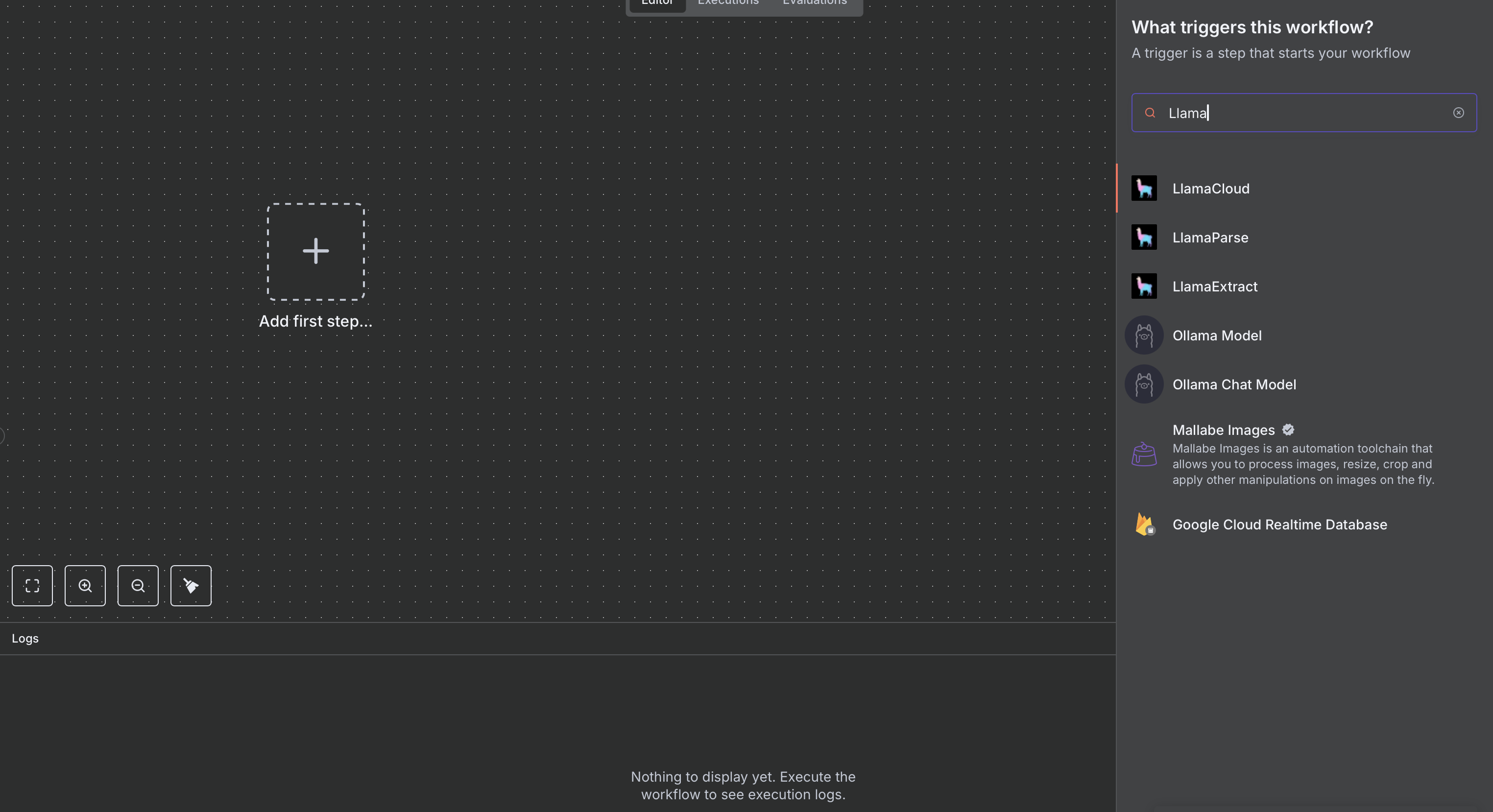
In order to interact with the node, you will need credentials (grab or create yours from the LlamaParse Platform).
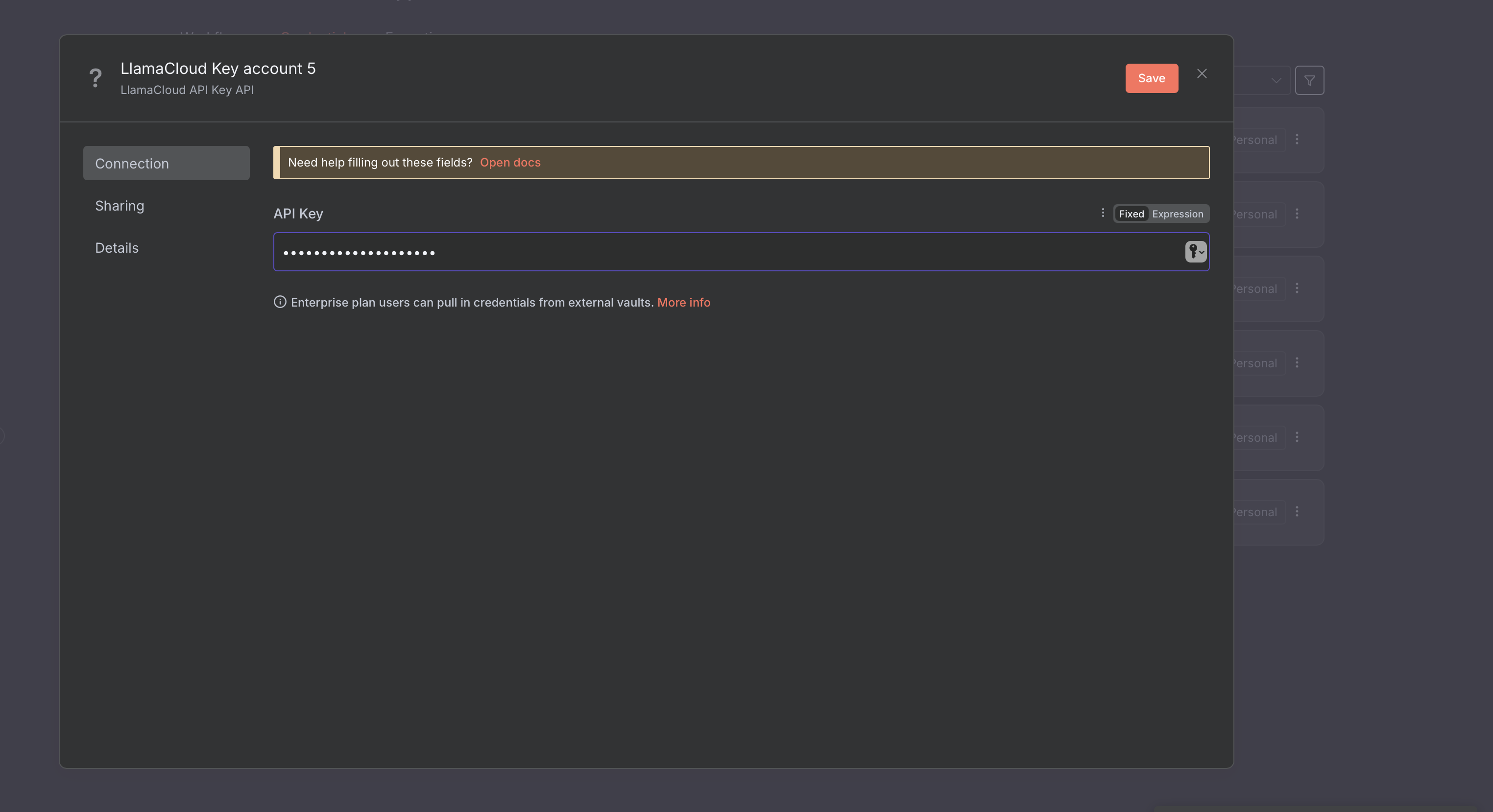
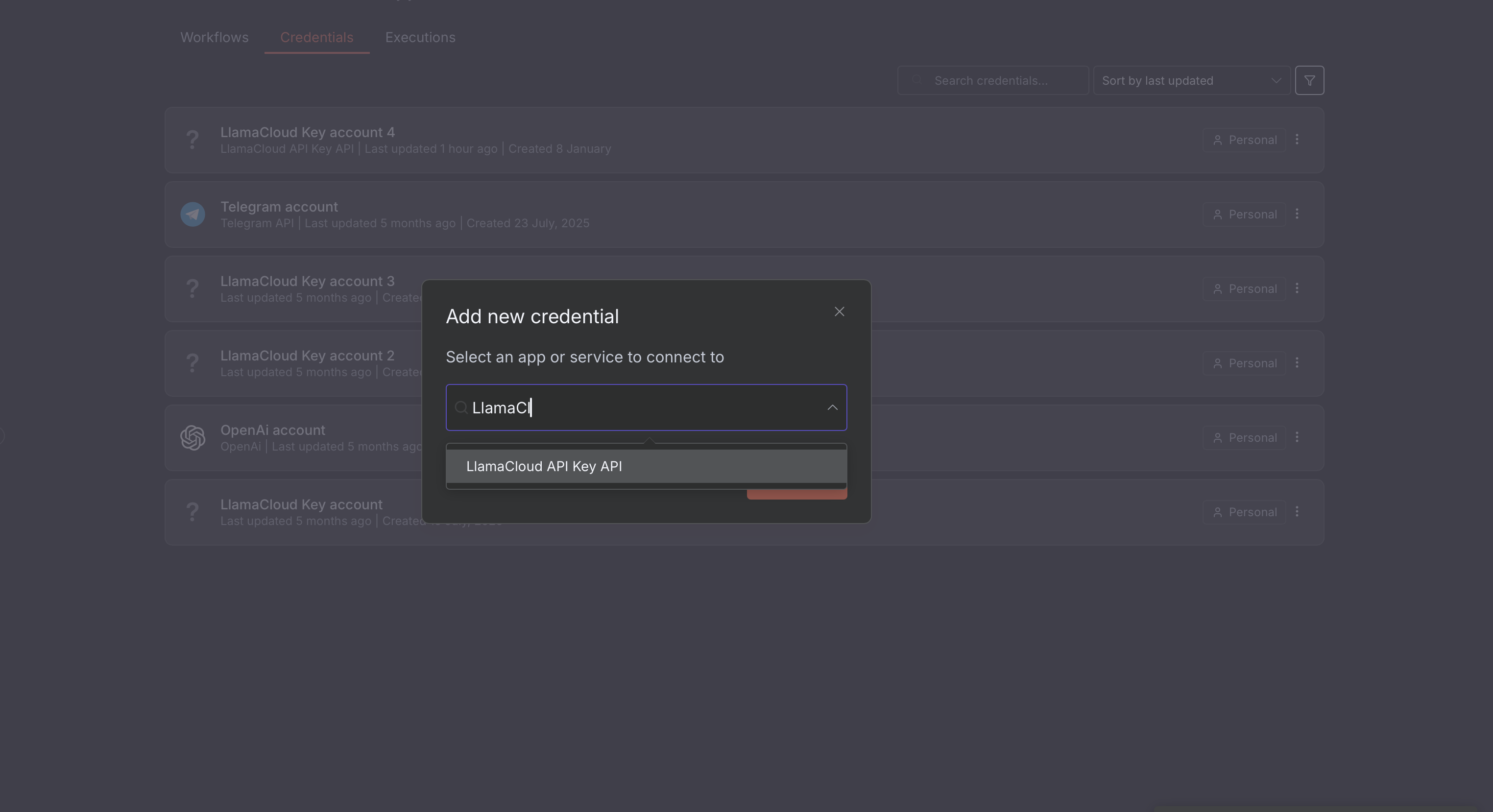
On n8n's dashboard, select "Create Credentials" and then select "LlamaParse API":
Paste your API key and, optionally, specify a base URL for the API, and save: