Parse n8n setup
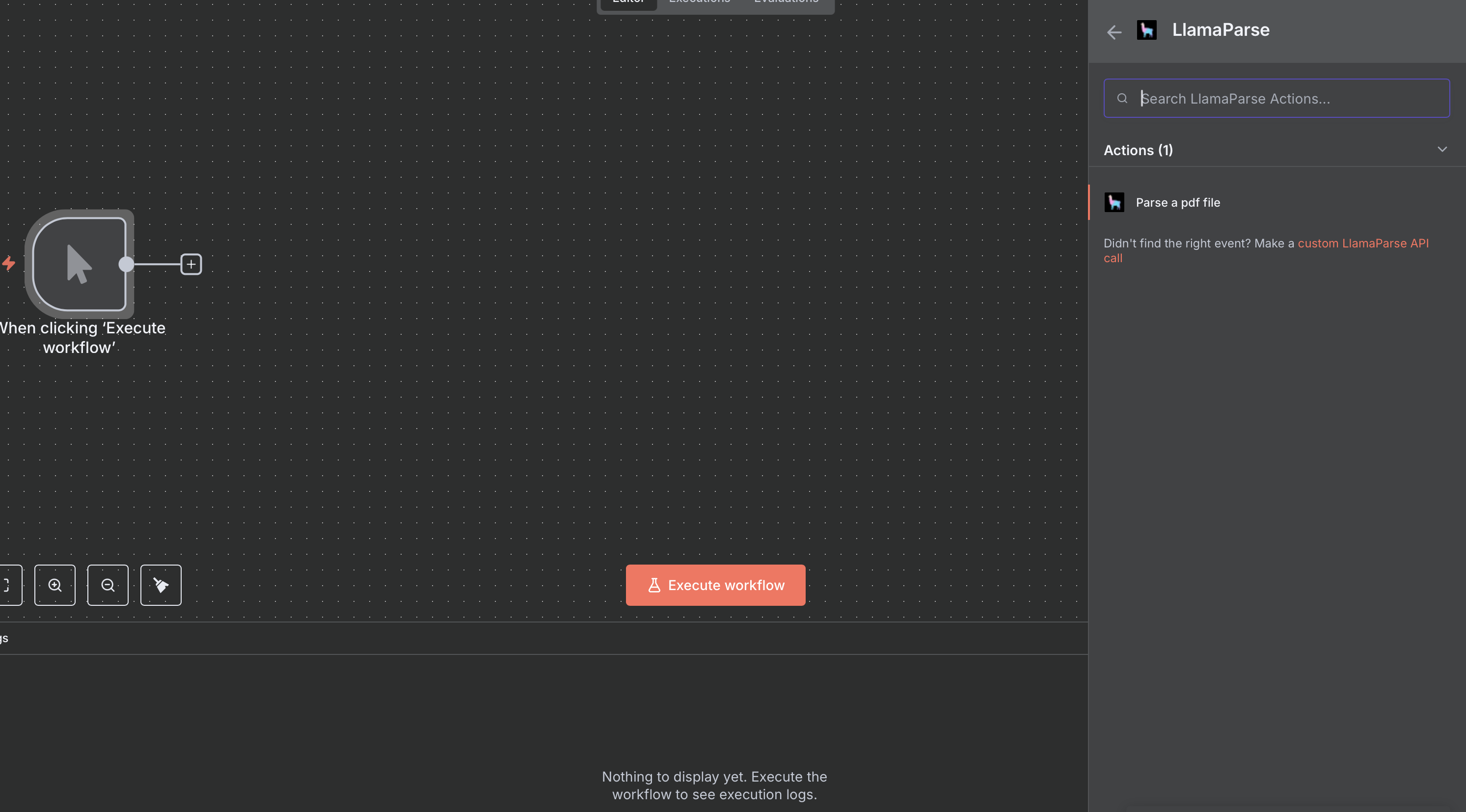
You can setup Parse by choosing the 'Parse a document' action from the LlamaParse Platform node:
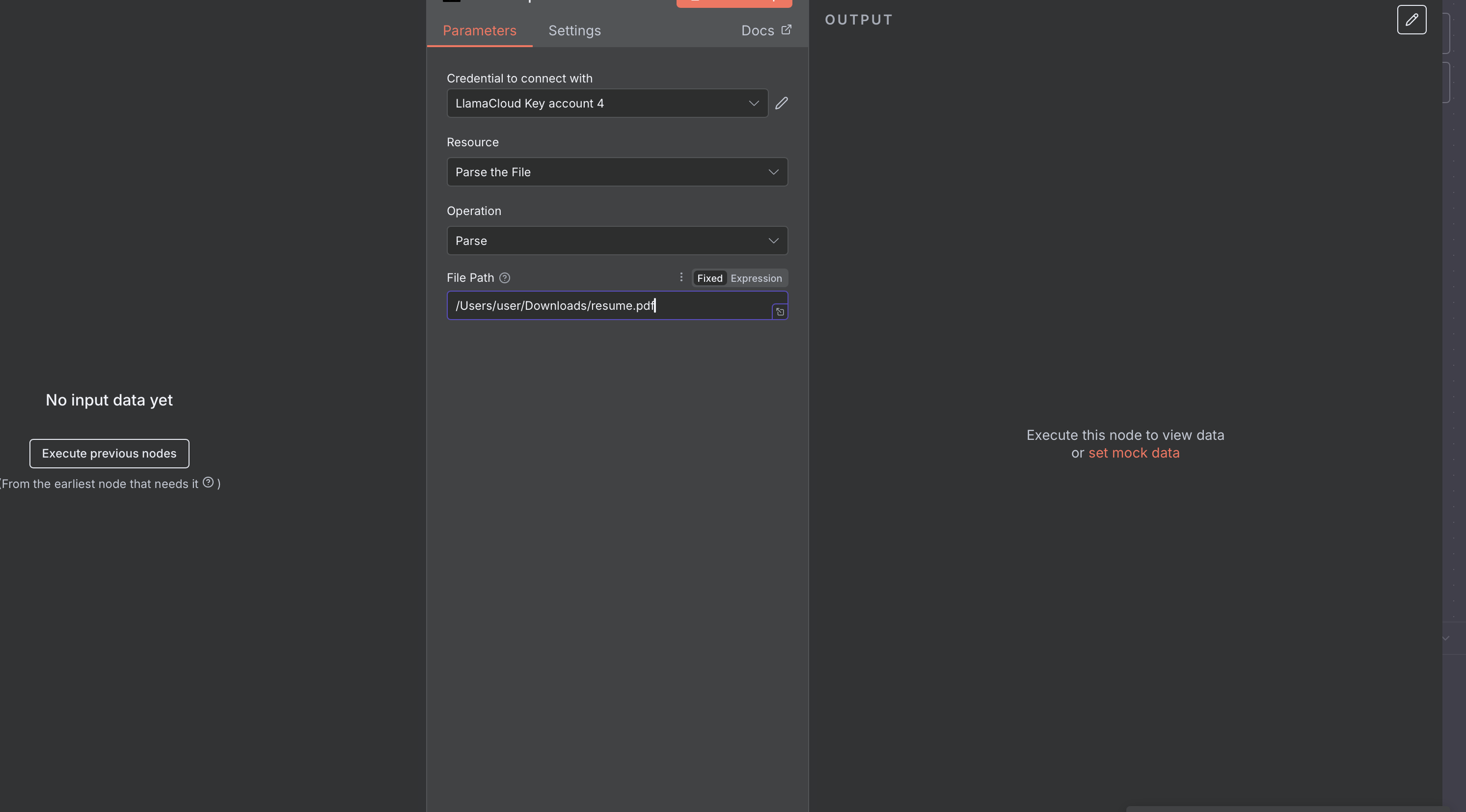
And, once you selected that, you can specify file binary data to parse, as well as parsing tier and version:
For binary data, it is best to dynamically fetch them from another source (trigger), such as a WebHook:
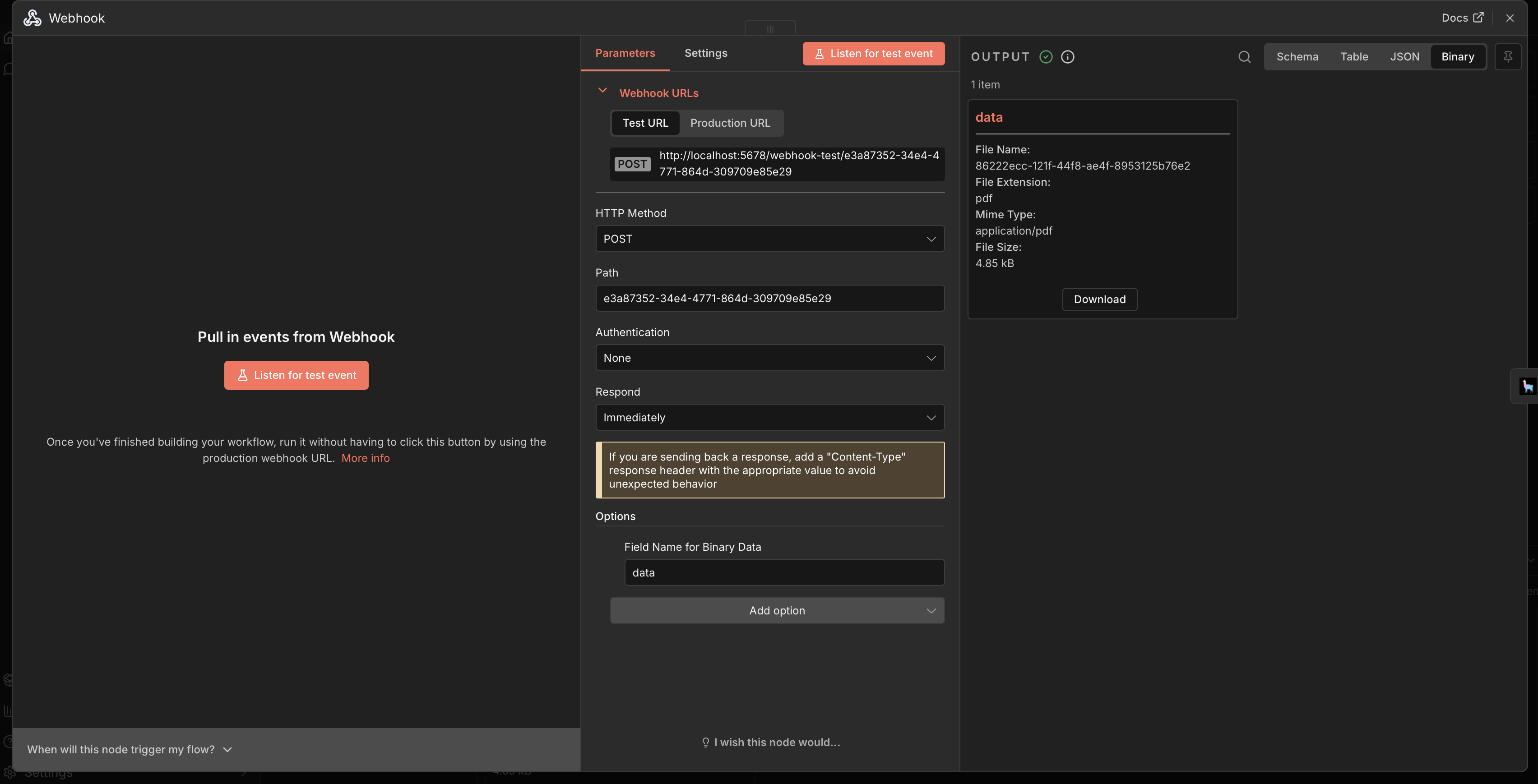
In this example, you can send a PDF directly with a curl request:
curl -X POST \
  -H "Content-Type: application/pdf" \
  --data-binary @document.pdf \
  http://localhost:5678/<YOUR_WEBHOOK_NAME>/<YOUR_WEBHOOK_PATH>
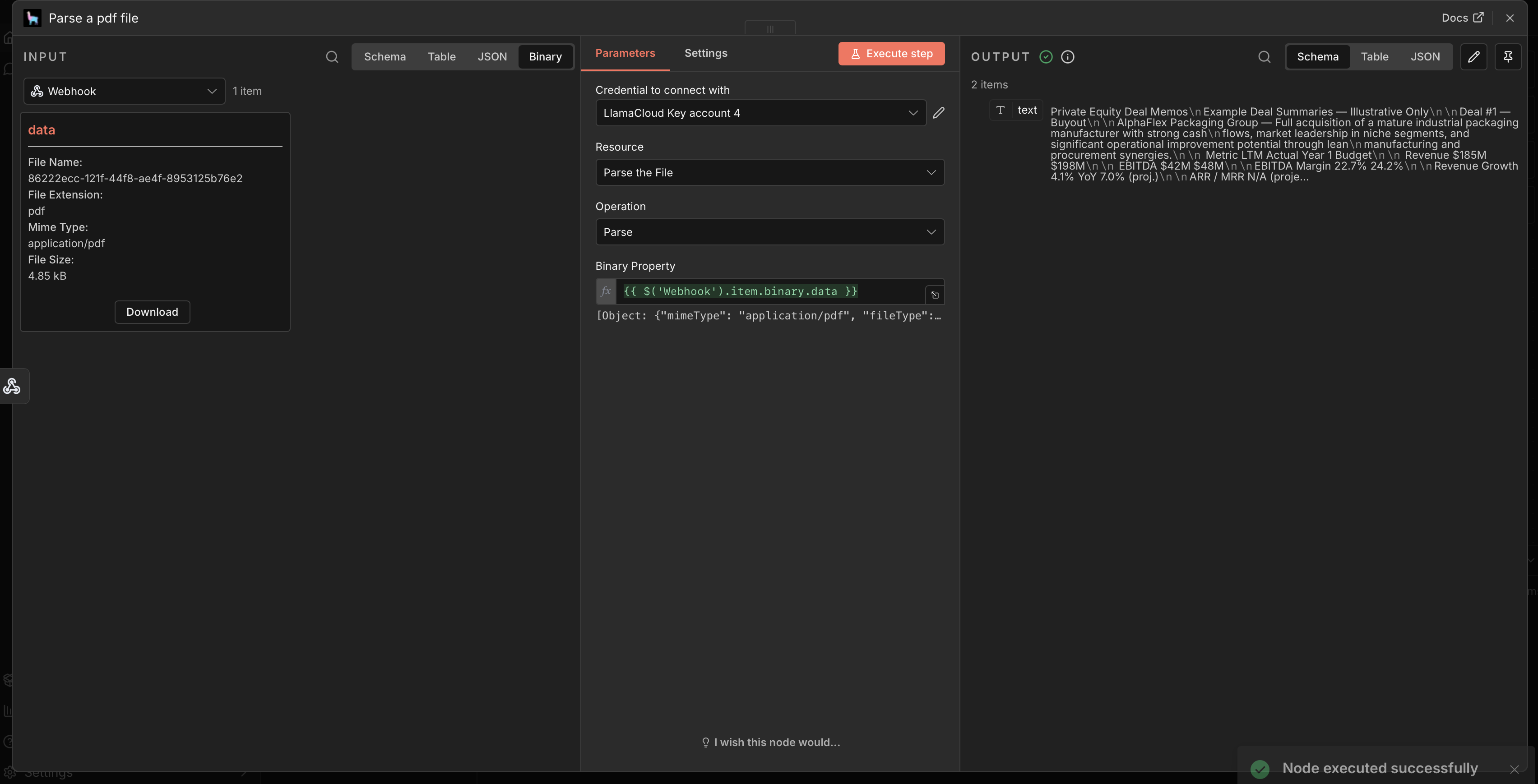
And you can take the webhook output as input for Parse: