Index v2 setup in n8n
Prerequisites
In order to use Index v2 in n8n, you need to create an Index on LlamaCloud.
Learn how to set up an Index with v2 settings from code.
Setup
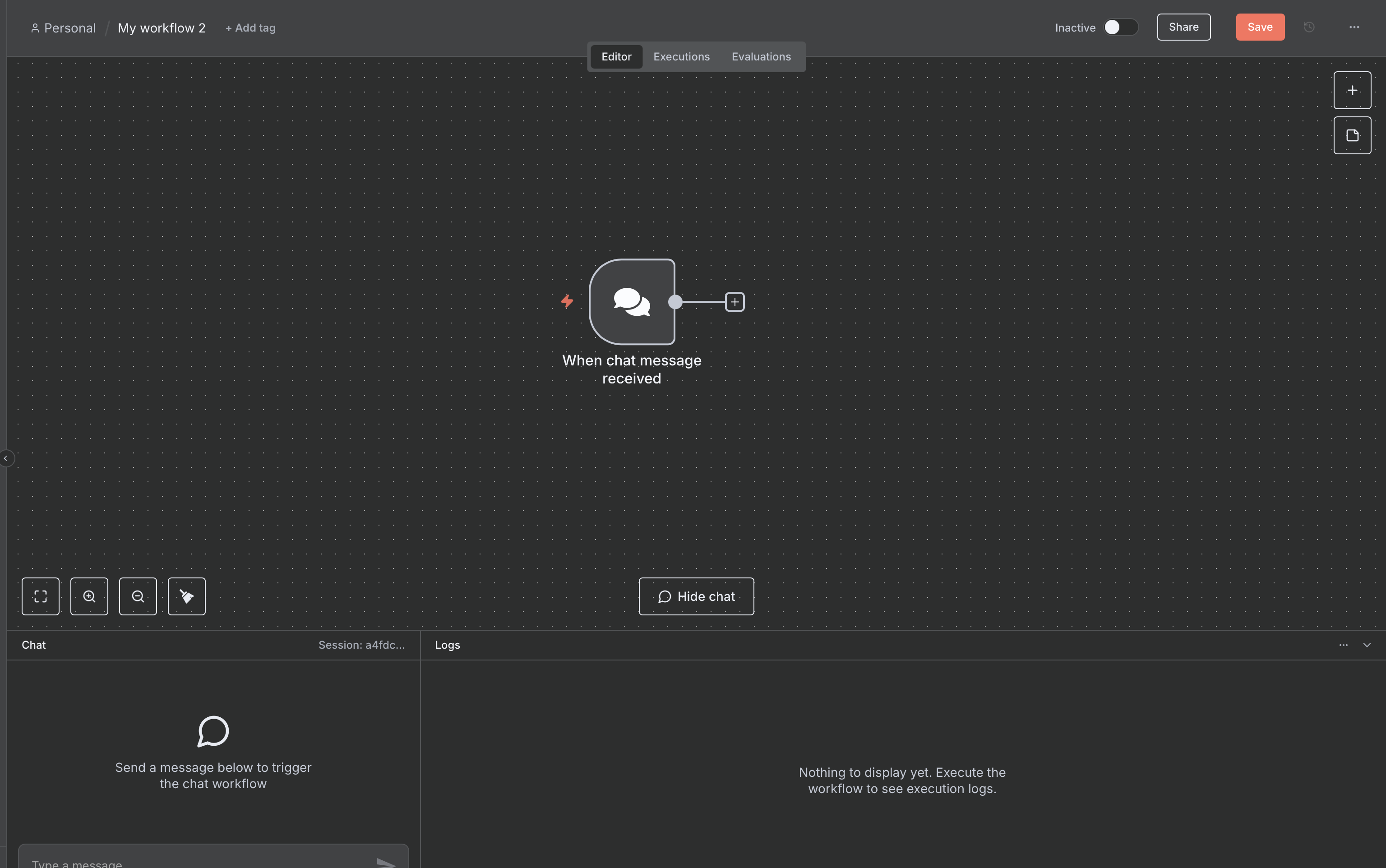
The Index v2 action is specifically designed for chat inputs, so you will first need to set up a Chat Trigger:
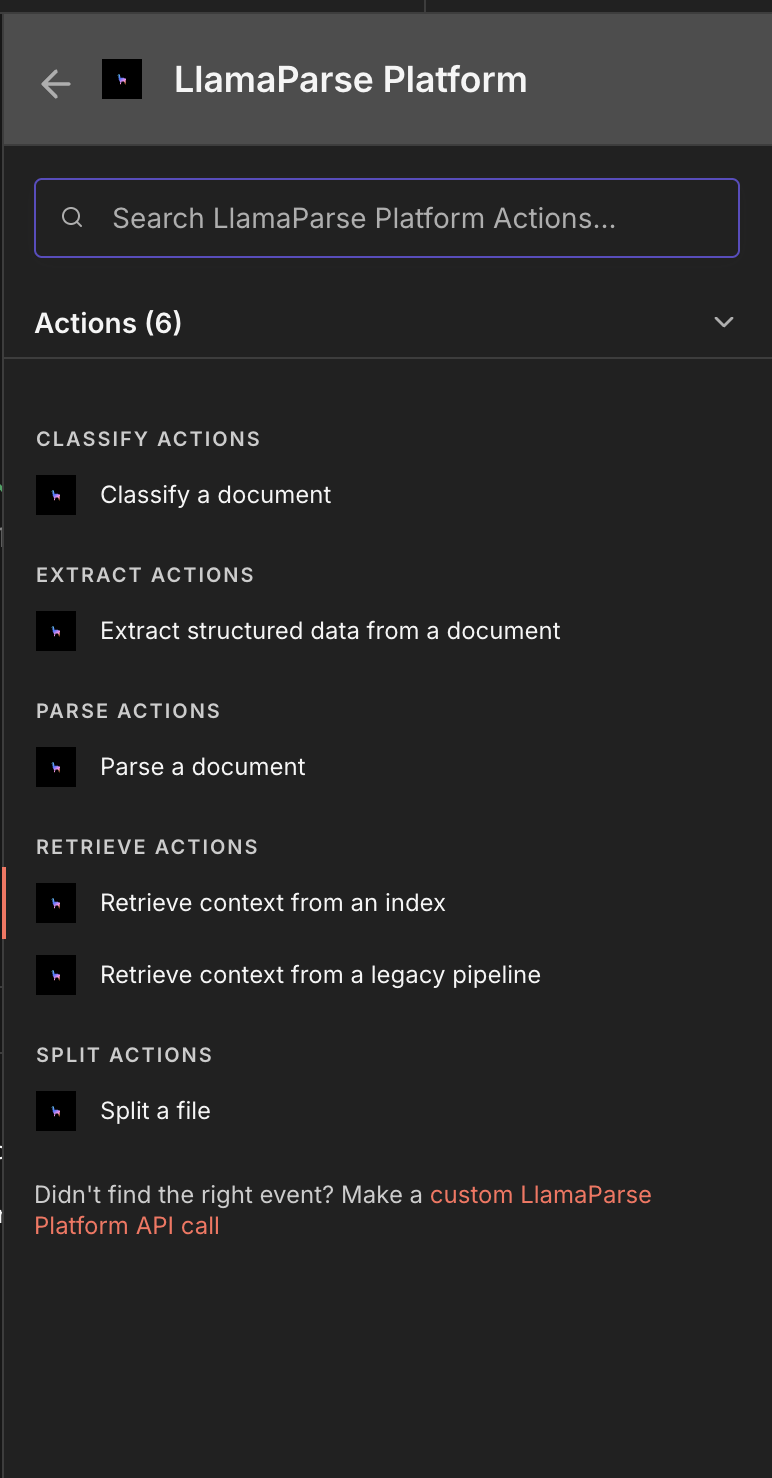
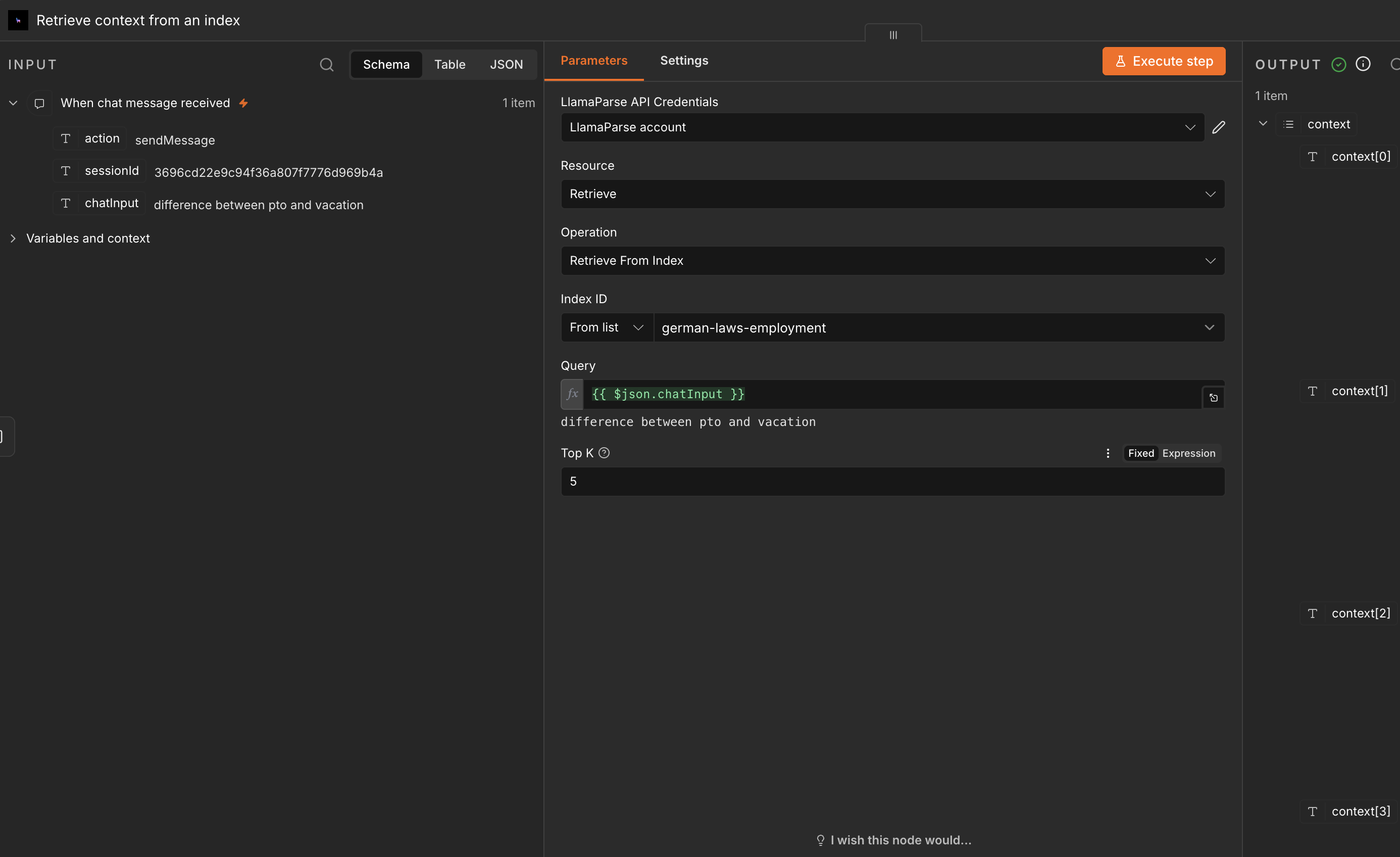
You can select the 'Retrieve from index' action from the LlamaParse Platform node:
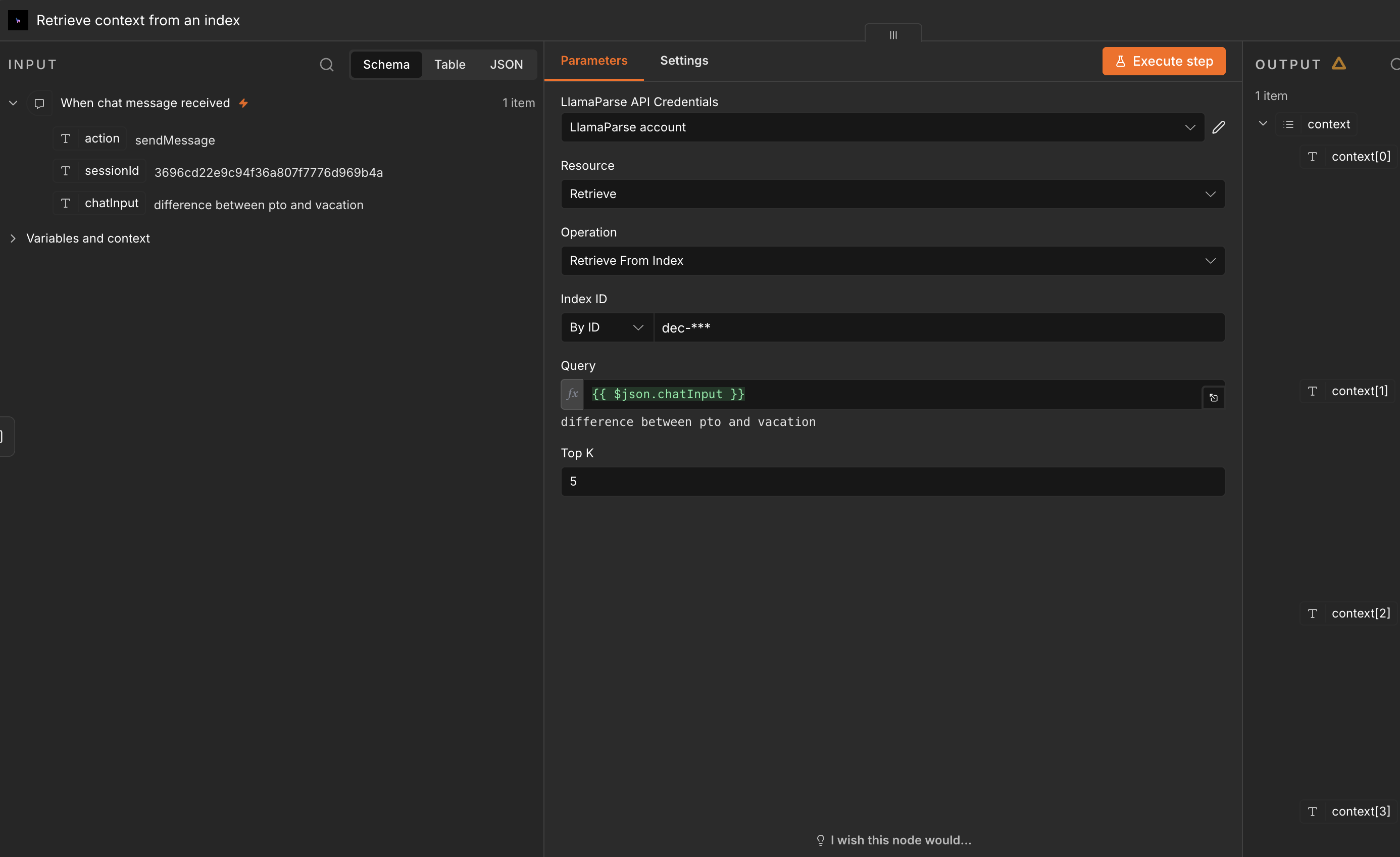
And provide the ID of your LlamaCloud Index in the configuration field, and, optionally, the top K chunks to retrieve:
Or select the index from the list of available ones:
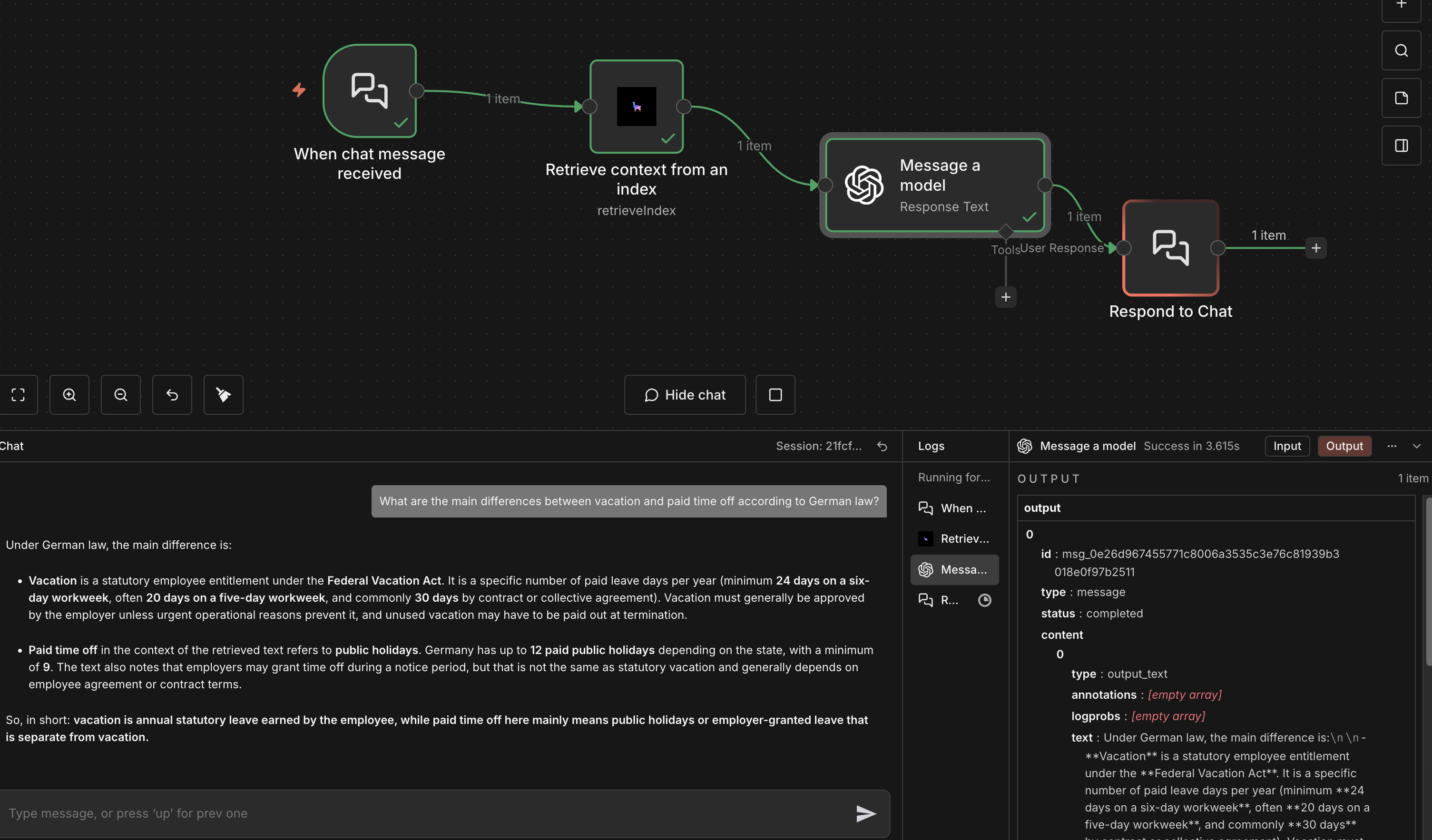
Once that is set, you can use the chat messages as input for the Index v2 to retrieve information simply by connecting the nodes, and the you can start chatting: